AI Product Management: From Model Selection to Data Architecture
Senior Technical AI Product Manager & Machine Learning Architect
Objective: A comprehensive, step-by-step educational guidebook designed to transition a Product Manager into a technical lead for AI-driven products, with a specific focus on high-stakes industries like Fintech and Travel.
Module 1: Model Taxonomy & Selection
Understanding the landscape of AI models is the foundation of any technical PM's toolkit.
Model Types
- SLMs (Small Language Models): Lightweight, fast, cost-effective. Ideal for classification, summarization, and on-device inference. Examples: Phi-3, Gemma.
- LLMs (Large Language Models): Broad knowledge, strong generalization. Best for complex generation, multi-turn conversation, and creative tasks. Examples: GPT-4, Claude, Gemini.
- Reasoning Models (o1-style): Optimized for multi-step logical reasoning, chain-of-thought problem solving. Best for complex analysis, code generation, and mathematical reasoning.
- Vision Models: Process and understand images alongside text. Essential for document OCR, visual inspection, and multimodal applications.
Decision Matrix
| Use Case | Fintech | Travel | Recommended Model Type |
|---|---|---|---|
| Fraud Detection | Transaction pattern analysis | Booking anomaly detection | SLM / Reasoning Model |
| Customer Support | Account inquiries, compliance Q&A | Booking changes, travel advisories | LLM |
| Document Processing | KYC document verification | Passport/visa OCR | Vision Model |
| Complex Analysis | Risk assessment, regulatory compliance | Dynamic pricing, itinerary optimization | Reasoning Model |
| Content Generation | Report generation | Itinerary descriptions, travel guides | LLM |
Checklist for PMs
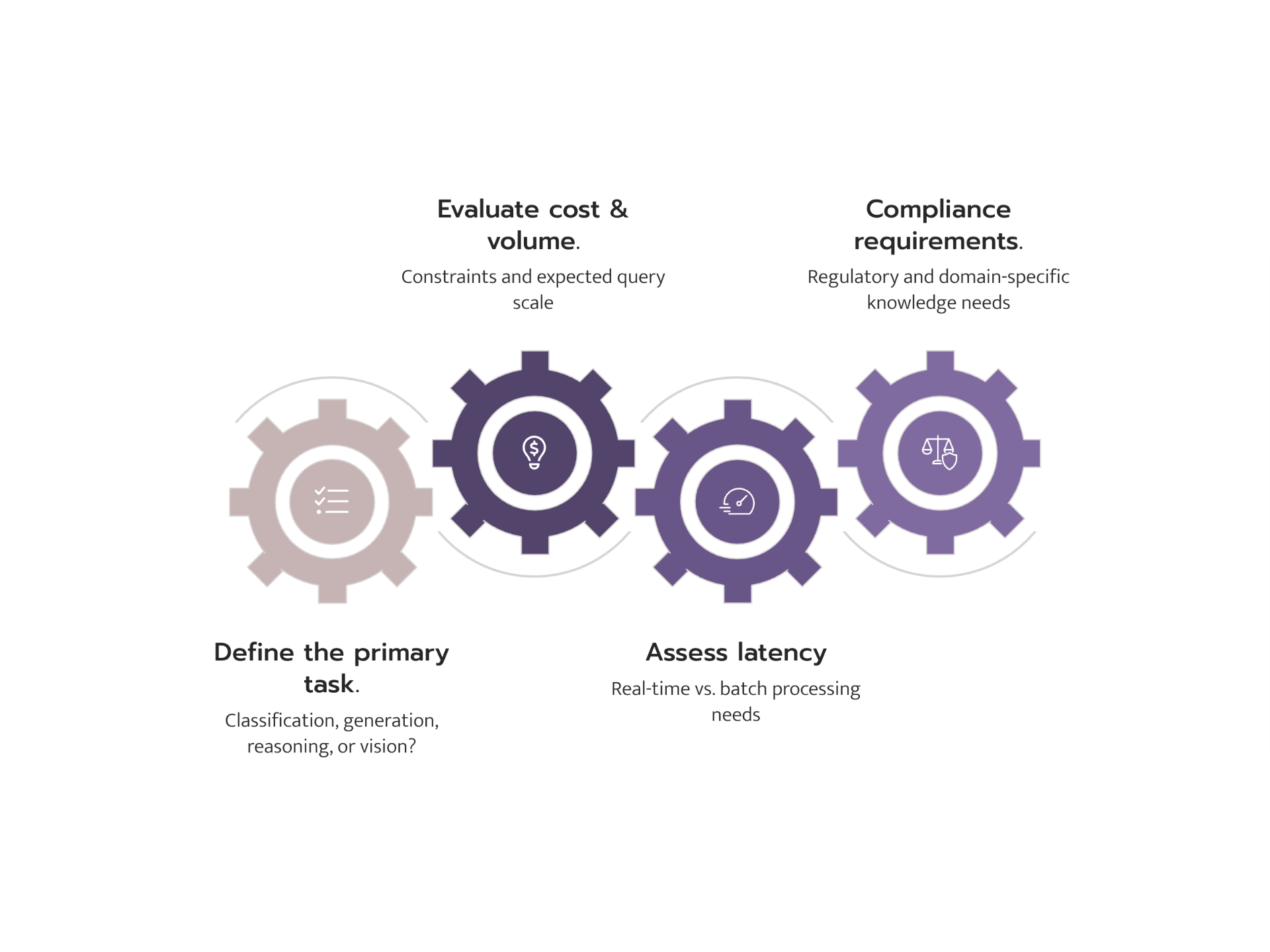
- Define the primary task (classification, generation, reasoning, vision)
- Assess latency requirements (real-time vs. batch)
- Evaluate cost constraints and volume expectations
- Determine if domain-specific knowledge is critical
- Consider regulatory and compliance requirements
Module 2: Hosting & Infrastructure
Local Hosting
Tools: Ollama, vLLM, llama.cpp
Hardware Requirements:
- 7B parameter models: 8GB+ RAM, consumer GPU (RTX 3060+)
- 13B parameter models: 16GB+ RAM, mid-range GPU (RTX 3090+)
- 70B+ parameter models: 64GB+ RAM, enterprise GPU (A100, H100)
When to use: Prototyping, data-sensitive applications, air-gapped environments, cost optimization at scale.
Cloud Hosting
Hugging Face Ecosystem:
- Spaces: Quick demos and prototypes with Gradio/Streamlit
- Inference Endpoints: Production-grade, auto-scaling model serving
- Pros: Vast model library, community support, flexible pricing
Managed Providers (OpenAI, Anthropic, Google):
- Pros: Lowest time-to-production, managed infrastructure, enterprise SLAs
- Cons: Data privacy concerns, vendor lock-in, less customization
Quantization
Quantization reduces model precision (e.g., FP16 to INT8 or INT4) to decrease memory usage and increase speed.
- FP16: Full precision, highest quality, highest cost
- INT8: ~50% memory reduction, minimal quality loss
- INT4: ~75% memory reduction, noticeable quality trade-off
Impact: A 70B model at FP16 requires ~140GB VRAM. At INT4, it fits in ~35GB -- making it runnable on a single A100.
Checklist for PMs
- Calculate expected query volume and latency SLAs
- Evaluate data residency and privacy requirements
- Compare total cost of ownership: cloud API vs. self-hosted
- Plan for scaling: auto-scaling endpoints vs. fixed infrastructure
- Assess team capability for infrastructure management
Module 3: The Optimization Decision Tree
Framework
Start Here: Is the base model's knowledge sufficient?
|
+-- YES --> Is the output format/style correct?
|           |
|           +-- YES --> Use as-is (maybe light Prompt Engineering)
|           +-- NO  --> Prompt Engineering (system prompts, few-shot examples)
|
+-- NO  --> Does the model need access to YOUR data?
            |
            +-- YES, and data changes frequently --> RAG
            +-- YES, and it's stable domain knowledge --> Fine-tuning
            +-- Need a completely new capability --> Full Pre-training (rare, expensive)
Key Technical Distinction
Updating Model Weights (Fine-tuning):
- Permanently changes the model's behavior
- Requires training data and compute
- The knowledge becomes "baked in"
- Like teaching someone a new skill
Updating a Knowledge Base (RAG):
- Model behavior stays the same
- New information is retrieved at query time
- Knowledge is external and easily updated
- Like giving someone a reference book
Comparison Table
| Approach | Cost | Effort | Best For |
|---|---|---|---|
| Prompt Engineering | Low | Hours | Format, tone, simple task guidance |
| RAG | Medium | Days-Weeks | Dynamic data, company docs, FAQs |
| Fine-tuning | High | Weeks | Domain expertise, consistent style |
| Pre-training | Very High | Months | Entirely new language or domain |
Checklist for PMs
- Start with prompt engineering before escalating
- Document when prompt engineering hits its limits
- For RAG: identify data sources and update frequency
- For fine-tuning: prepare at least 1,000+ high-quality examples
- Always benchmark against the base model
Module 4: Data Architecture
When is a Traditional Database (SQL/JSON) Sufficient?
- Structured, tabular data with known schemas
- Exact-match queries (user profiles, transactions, bookings)
- ACID compliance requirements (financial records)
- Simple filtering, sorting, and aggregation
Example: Customer booking history, transaction ledgers, user preferences.
When is a Vector Database Necessary?
Vector databases are essential when you need semantic search -- finding information by meaning rather than exact keywords.
Step-by-step process:
- Choose an Embedding Model: Convert text/images into numerical vectors (e.g., OpenAI text-embedding-3, Sentence Transformers)
- Generate Embeddings: Process your documents through the embedding model
- Index Vectors: Store in a vector DB (Pinecone, Weaviate, Qdrant, pgvector)
- Configure Retrieval: Set similarity metrics (cosine, dot product) and top-k results
- Integrate with LLM: Pass retrieved context to the model (RAG pattern)
Example: Searching travel reviews for "romantic beachfront hotels with good food" or finding similar fraud patterns across transactions.
When Does a Knowledge Graph Outperform?
Knowledge graphs excel when:
- Complex relationships matter
- Multi-hop reasoning is required
- Explainability is critical
- Data has rich, interconnected structure
Checklist for PMs
- Map your data types: structured, unstructured, or both?
- Identify query patterns: exact match, semantic search, or relational?
- For vector DBs: estimate embedding dimensions and storage needs
- For knowledge graphs: map entity types and relationship types
- Consider hybrid approaches: SQL + Vector DB is increasingly common